Post Search
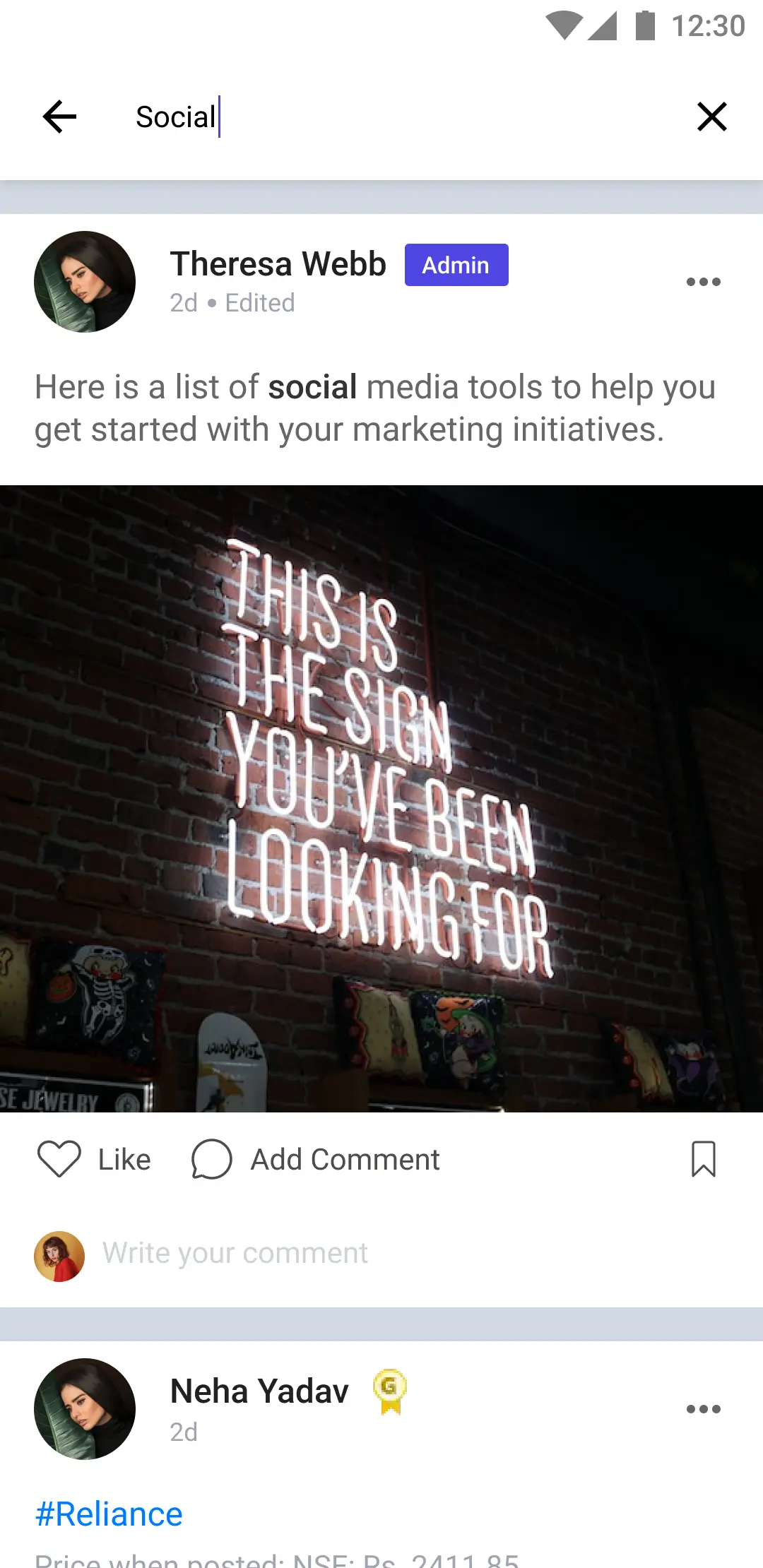
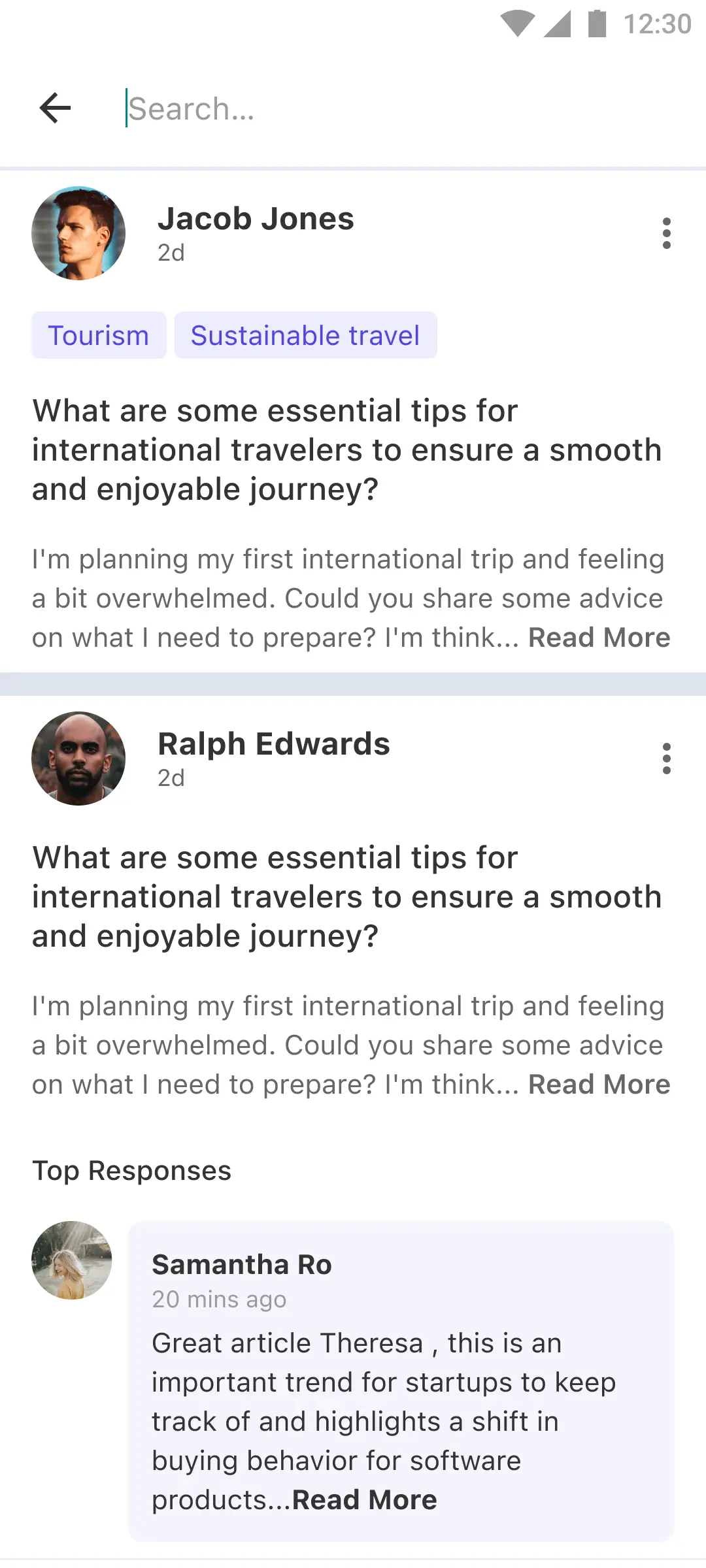
LikeMinds Feed SDK offers various Post Search Screen implementations to cater to different use cases. These screens are responsible for allowing users to search for posts within the feed, with each variant optimized for specific content types or interactions. The screens also handle post interactions such as liking, commenting, sharing, and saving.
- Social Feed
- QnA Feed
File Location:
Functionality
UI Components
postList: ALMTableViewfor displaying search resultssearchController: AUISearchControllerfor handling search inputindicatorView: AUIActivityIndicatorViewfor loading statesnoResultView: ALMFeedNoResultViewdisplayed when no search results are found
Data Variables
posts: List of posts for search results
Cells Registered
- Registered Cells:
- Registered Header: Header View
- Registered Footer: Footer View
Customisation
- Social Feed
- QnA Feed
CustomSearchPostScreen.swift
class CustomSearchPostScreen: LMFeedSearchPostScreen {
   override func setupAppearance() {
      super.setupAppearance()

      tableView.backgroundColor = .lightGray
   }
}
AppDelegate.swift
func application(_ application: UIApplication, willFinishLaunchingWithOptions launchOptions: [UIApplication.LaunchOptionsKey: Any]? = nil) -> Bool {
   Components.shared.searchPostScreen = CustomSearchPostScreen.self
   // ...
   return true
}
CustomSearchPostScreen.swift
class CustomSearchPostScreen: LMFeedQnASearchPostScreen {
   override func setupAppearance() {
      super.setupAppearance()

      tableView.backgroundColor = .lightGray
   }
}
AppDelegate.swift
func application(_ application: UIApplication, willFinishLaunchingWithOptions launchOptions: [UIApplication.LaunchOptionsKey: Any]? = nil) -> Bool {
   Components.shared.qnaSearchPostScreen = CustomSearchPostScreen.self
   // ...
   return true
}